Hugo Noir | Demo





A clean, minimalistic theme for Hugo with a focus on readability, simplicity, and multilingual support.
- Responsive design
- Built with Tailwind CSS
- Clean and minimalist aesthetic
- Light & Dark mode support (manual toggle and OS-aware)
- Fast loading times
- SEO-friendly
- Blog-ready
- Multilingual support (En, Es, Fr configured by default)
- Enhanced mobile navigation
- Local time display
- Devicon integration for tech stack display
- Configurable region display for experiences
- Subtle hyperlink indicators (SVGs)
- Engaging criss-cross carousel animations
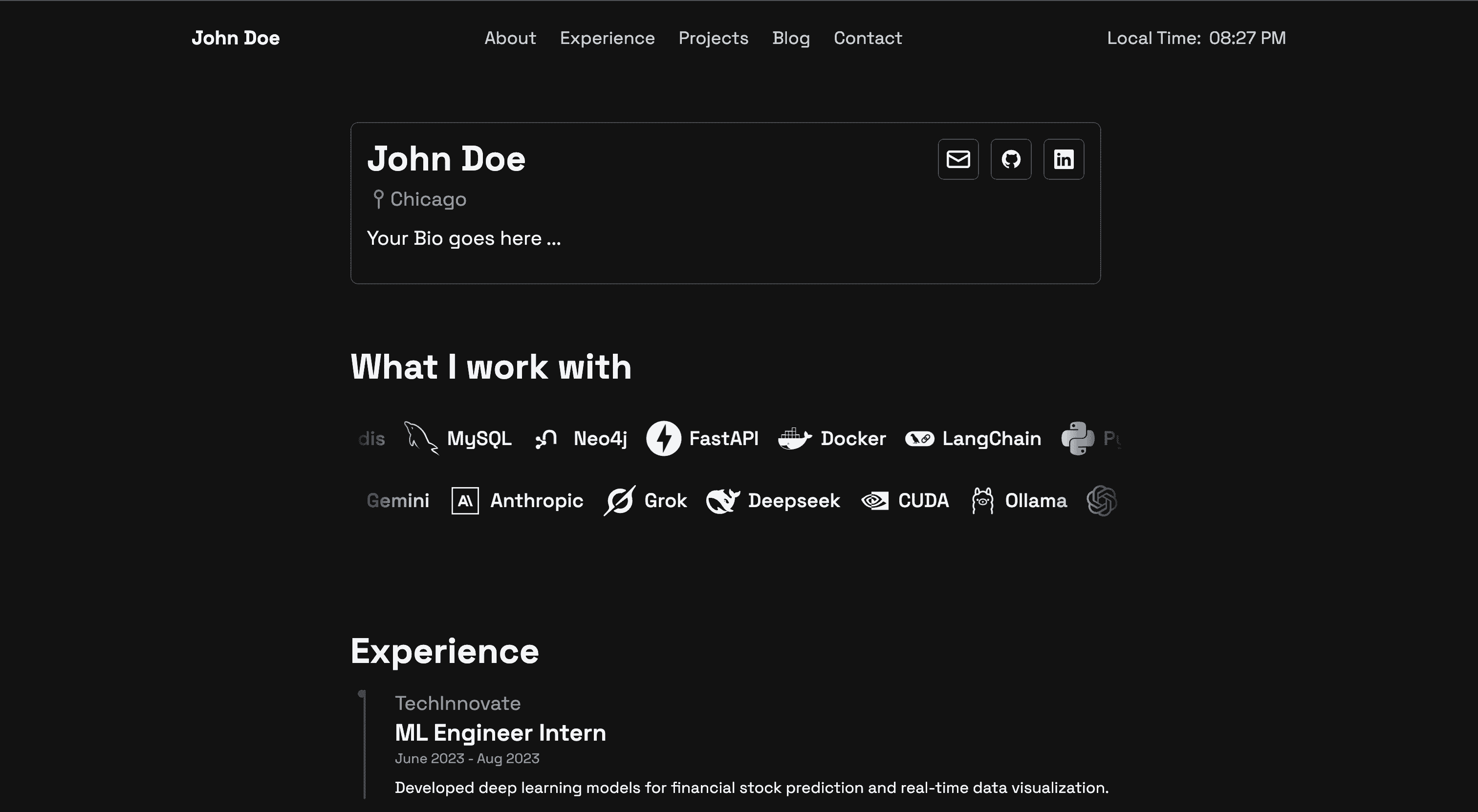
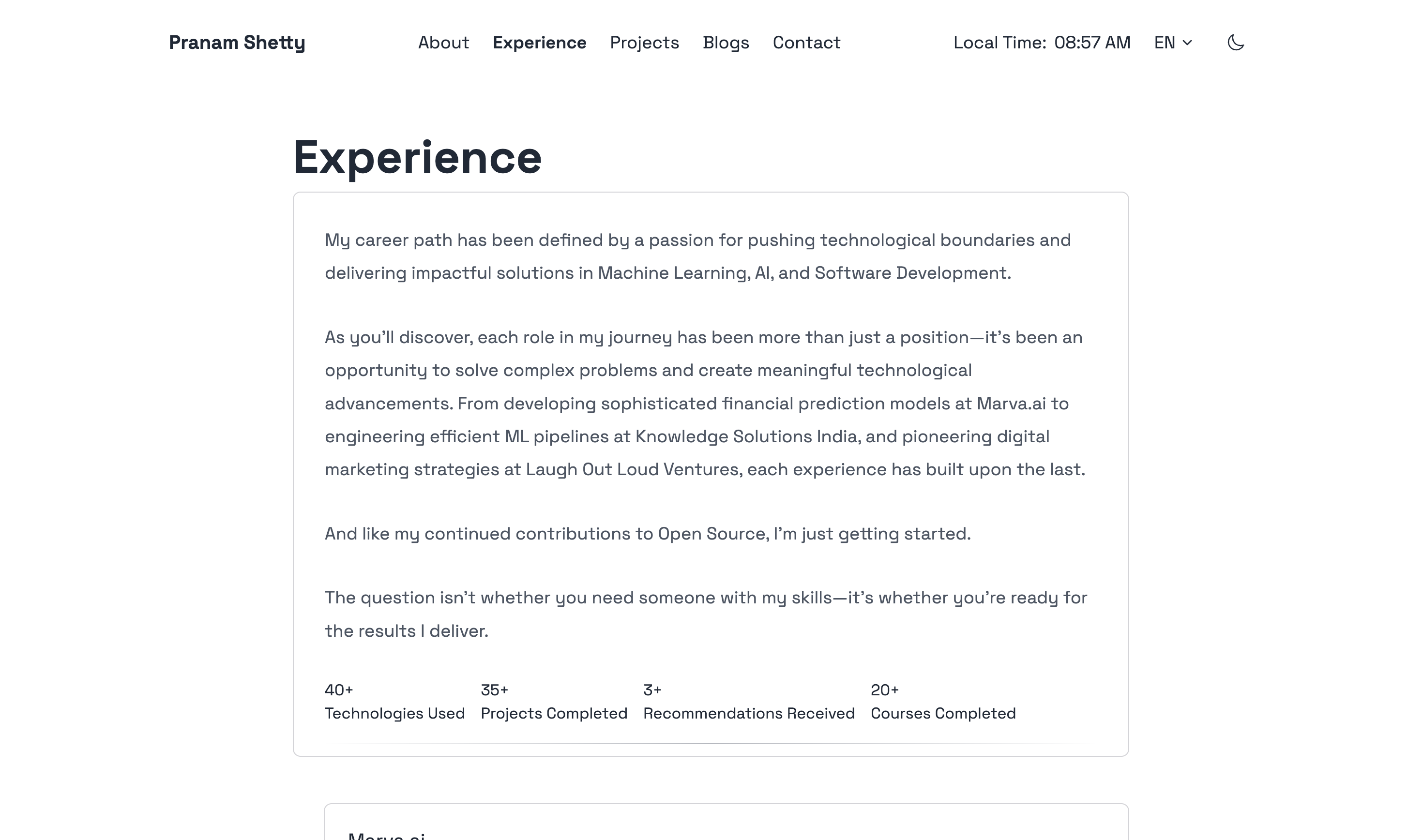
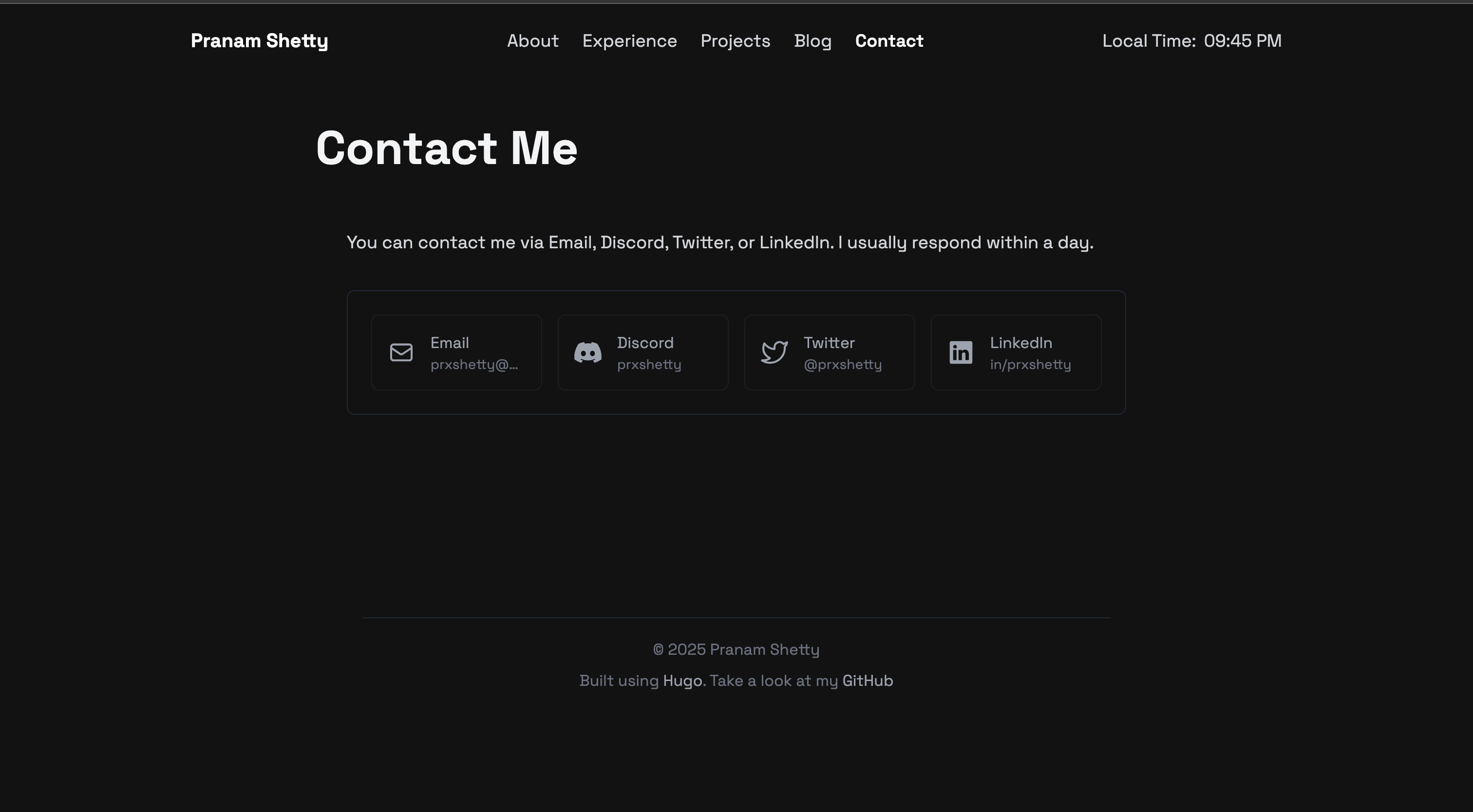
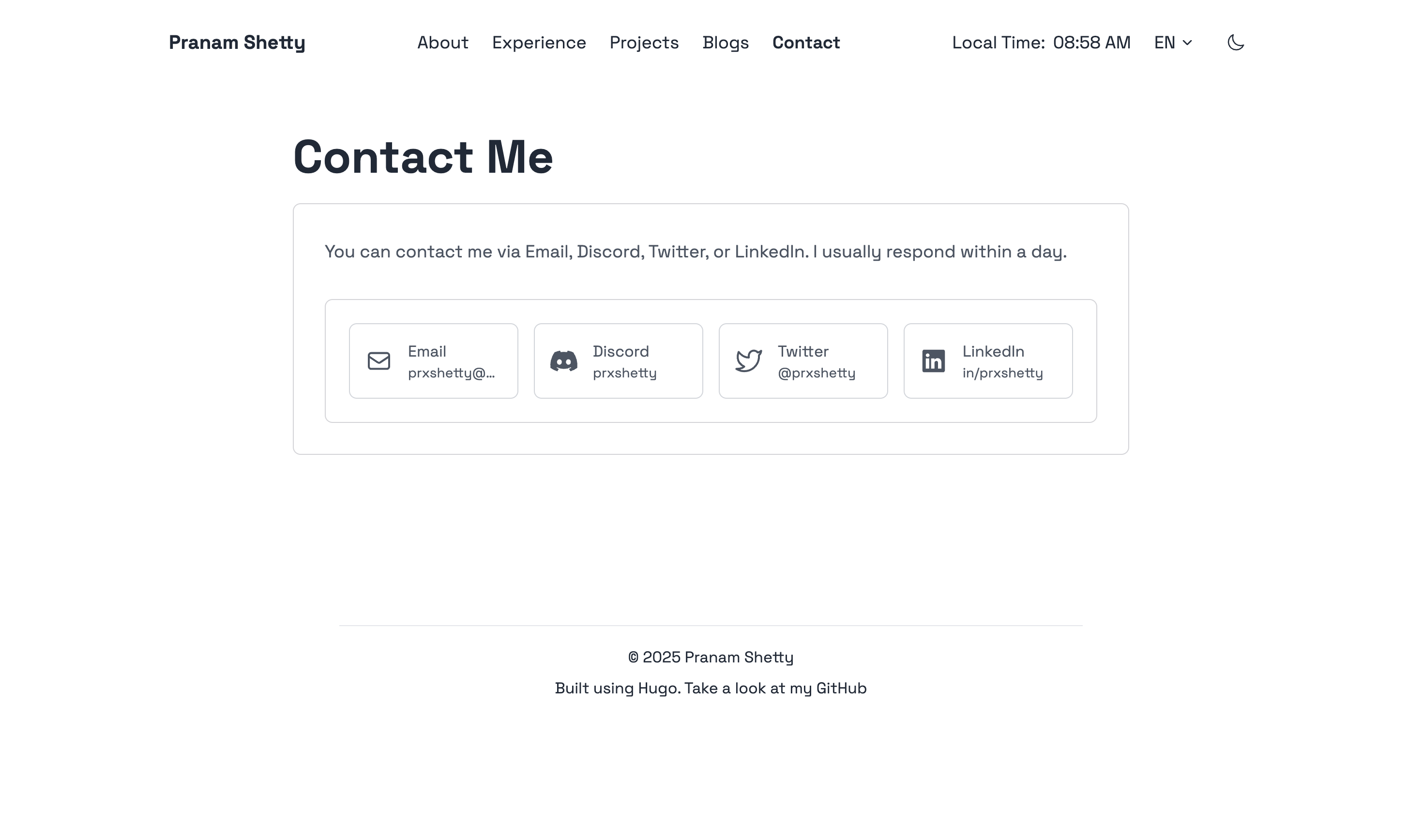
Here's a glimpse of the theme in both light and dark modes:
Homepage (Dark Mode - Primary):
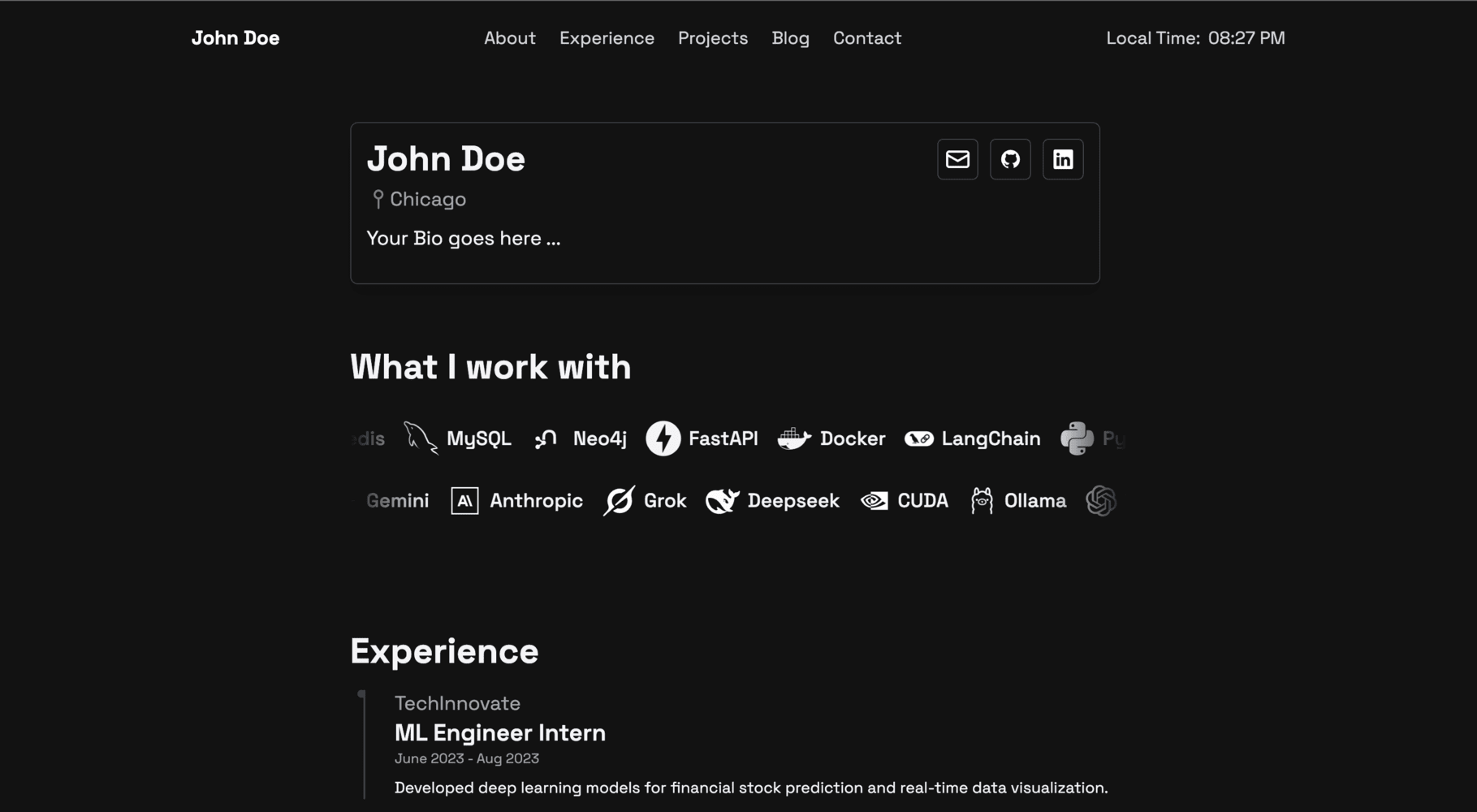
Homepage (Light Mode):
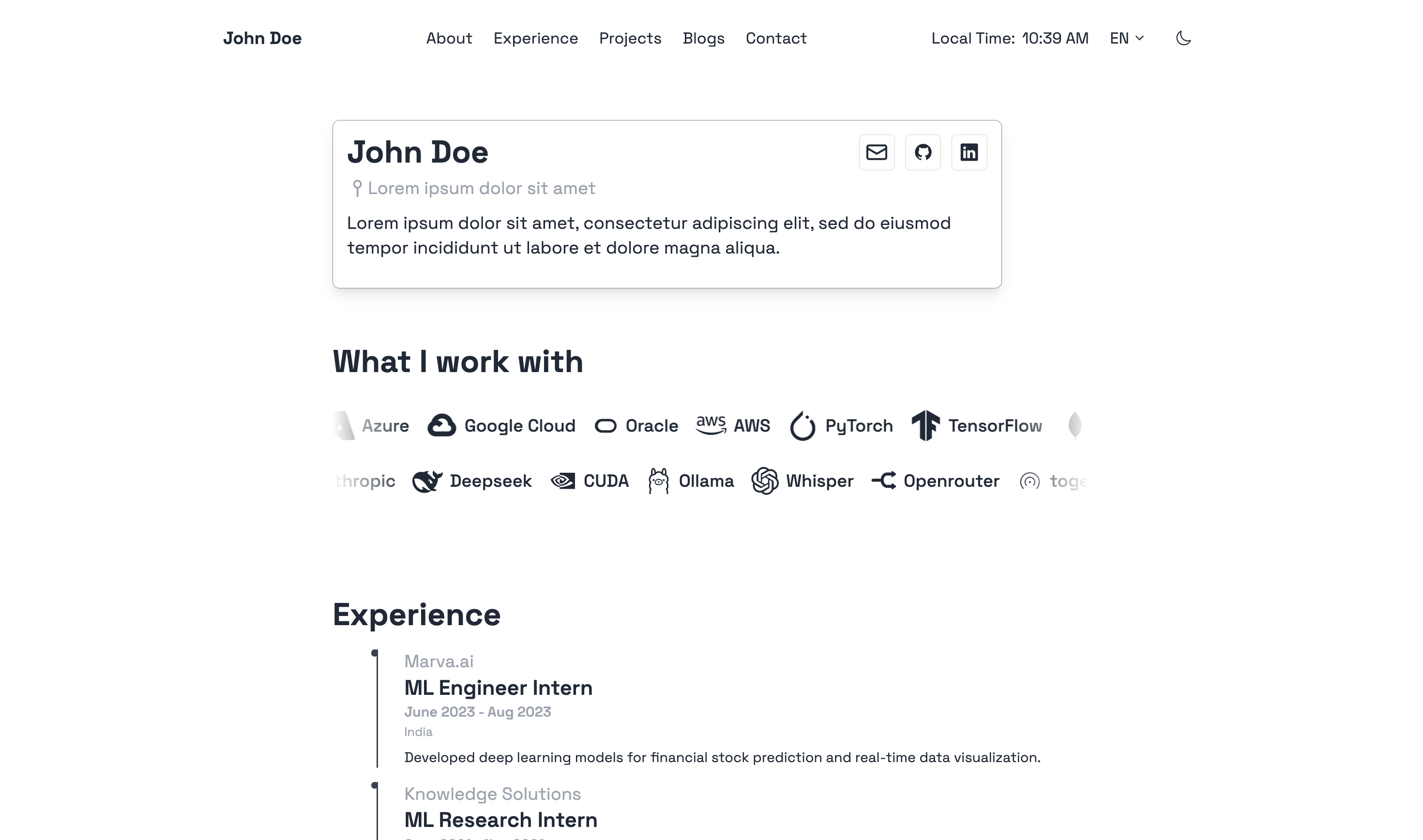
Projects Page (Dark Mode):
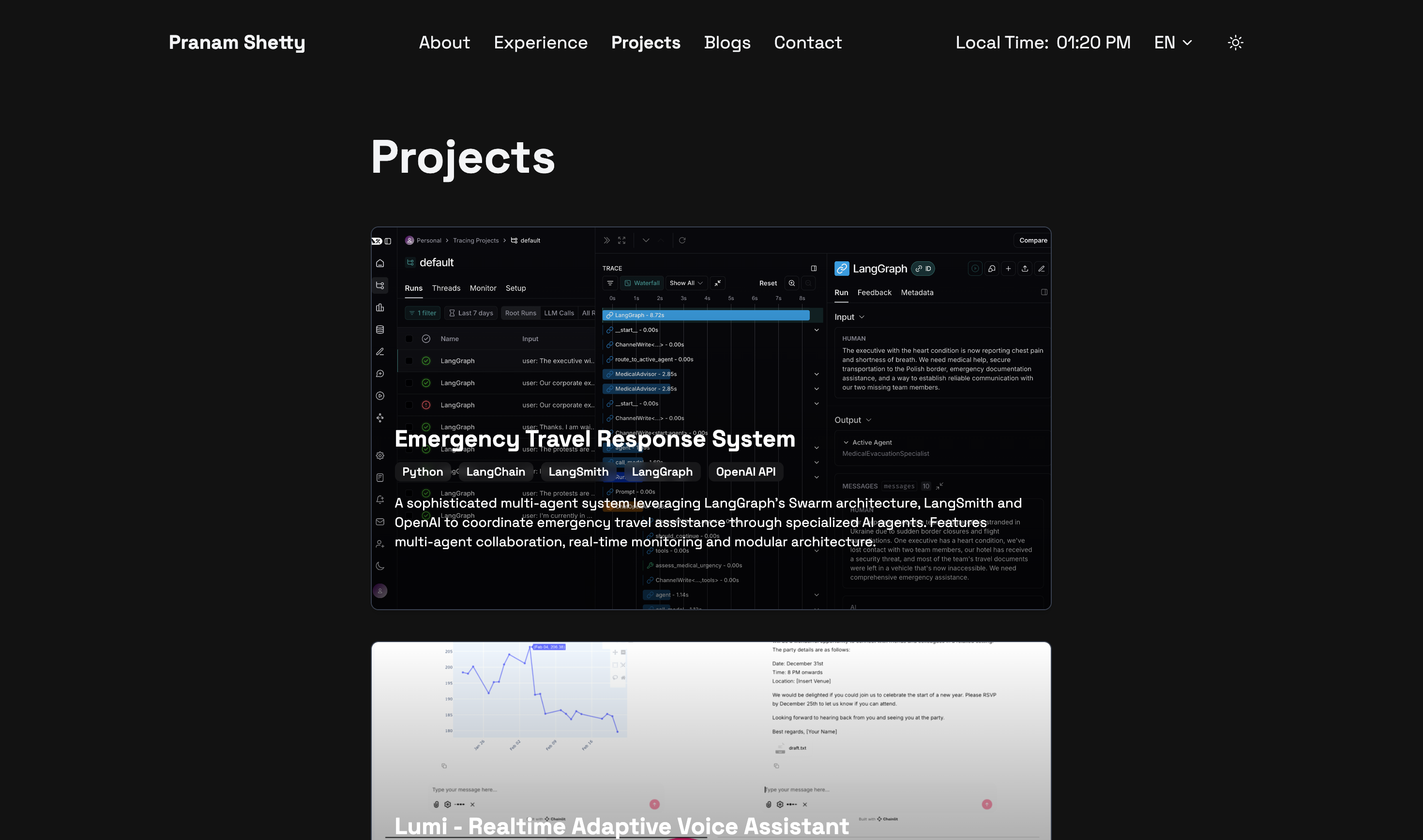
Projects Page (Light Mode):
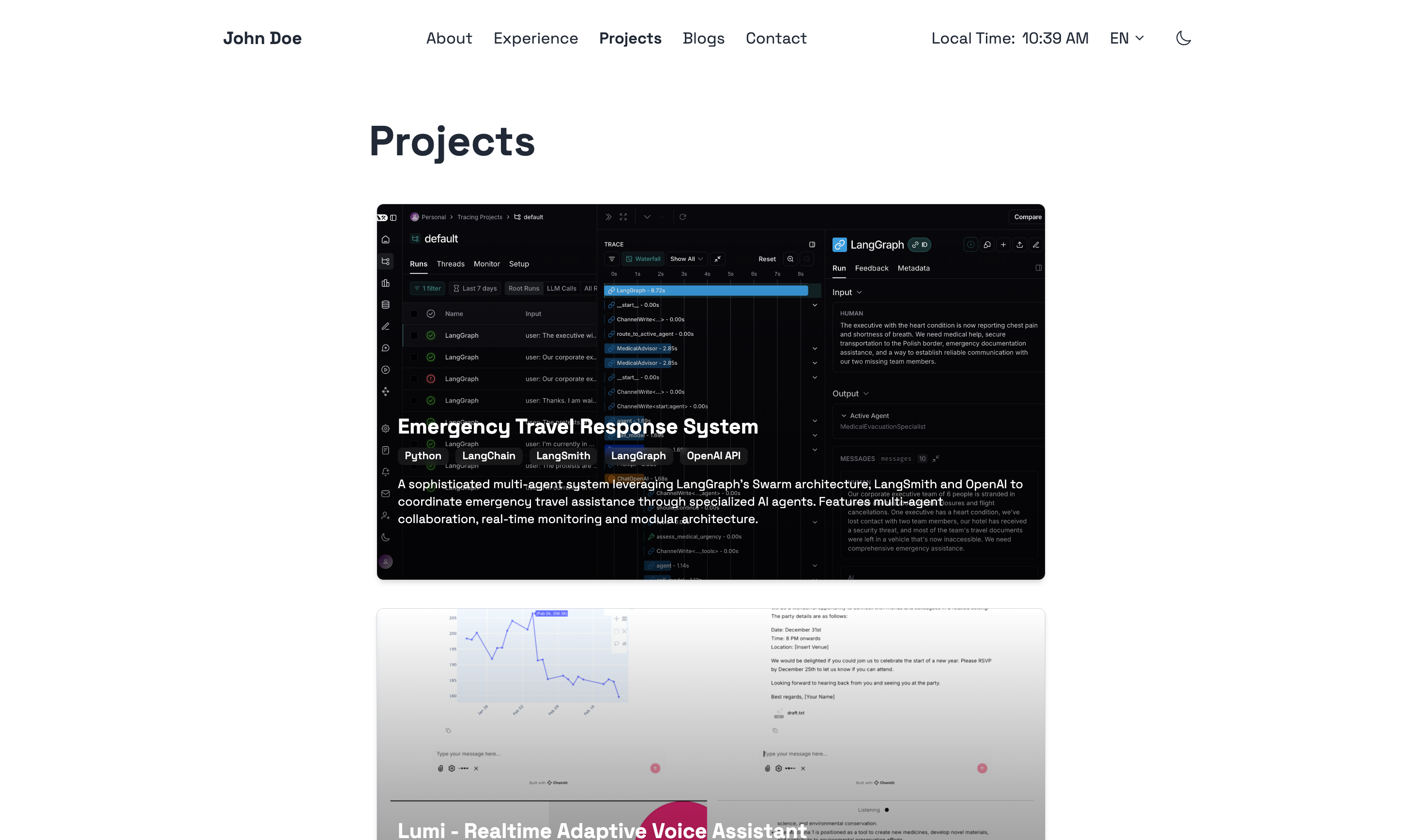
Experience Page (Dark Mode):

Experience Page (Light Mode):
Contact Page (Dark Mode):
Contact Page (Light Mode):
Ensure you have Hugo installed (Extended version, v0.92.0 or newer is recommended).
For a quick start and to see a full configuration example, you can refer to the hugo.example.toml file included in the theme's root directory. You can copy this file to your site's root as hugo.toml (or config.toml) and customize it.
# From your Hugo site's root directory
git clone https://github.com/prxshetty/hugo-noir.git themes/hugo-noir# From your Hugo site's root directory
git submodule add https://github.com/prxshetty/hugo-noir.git themes/hugo-noirThen, update your submodules:
git submodule update --init --recursive-
Set the theme in your site's
hugo.toml(orconfig.toml):theme = "hugo-noir"
-
Hugo Version Compatibility:
This theme requires:
- Hugo Extended version.
- Minimum version: 0.92.0 (recommended).
To ensure compatibility, especially if you plan to submit this theme to the Hugo Themes showcase, you can specify Hugo version requirements within the theme's own
hugo.tomlorconfig.toml(create one atthemes/hugo-noir/hugo.tomlif it doesn't exist) or more commonly in atheme.tomlfile at the root of the theme.Example for
themes/hugo-noir/theme.toml(see "Theme Metadata" section below):[module] [module.hugoVersion] extended = true min = "0.92.0" # max = "0.1xx.x" # Optionally specify a max version
-
Multilingual Setup (Optional):
This theme is pre-configured for English (en), Spanish (es), and French (fr). To enable multilingual mode in your site, configure your main
hugo.tomllike this:defaultContentLanguage = "en" defaultContentLanguageInSubdir = true # Recommended for clearer URLs like /en/blog, /es/blog [languages] [languages.en] languageName = "English" title = "Your Site Title (English)" weight = 1 contentDir = "content/en" # Ensure you have this directory [languages.en.menu] [[languages.en.menu.main]] name = "About" pageRef = "/about" weight = 1 # ... other English menu items [languages.es] languageName = "Español" title = "Your Site Title (Spanish)" weight = 2 contentDir = "content/es" # Ensure you have this directory [languages.es.menu] [[languages.es.menu.main]] name = "Sobre Mí" # Translated name pageRef = "/about" # pageRef should ideally point to the same logical page weight = 1 # ... other Spanish menu items [languages.fr] languageName = "Français" title = "Your Site Title (French)" weight = 3 contentDir = "content/fr" # Ensure you have this directory [languages.fr.menu] [[languages.fr.menu.main]] name = "À Propos" # Translated name pageRef = "/about" weight = 1 # ... other French menu items # Remember to create content in the respective contentDir folders (e.g., content/en/about.md, content/es/about.md)
The theme's
i18nfolder (themes/hugo-noir/i18n/) contains the translation strings. -
Params for
hugo.toml(and Data Files):The theme uses parameters from your site's
hugo.tomlunder[params]for common information like your name and social links. Ensure these are set. Example:[params] name = "Your Name" location = "Your Location" description = "Description ..." profile_image = "/images/your-profile.jpg" # Place in your site's static/images/ # Social links github = "https://github.com/yourusername" twitter = "https://twitter.com/yourusername" linkedin = "https://linkedin.com/in/yourusername" email = "[email protected]" # ... other params ...
Site-Specific Data (Author, Experience, etc.):
For language-specific information like author details and your professional experience, this theme utilizes Hugo's data files. You should create these in your site's
datadirectory, typically organized by language.-
Author Information: Create files like
data/en/author.toml,data/es/author.toml. Example fordata/en/author.toml:[author] name = "Your Name" location = "Your Location" description = "Description ..." profile_image = "/images/your-profile.jpg" # Place in your site's static/images/ # Social links github = "https://github.com/yourusername" twitter = "https://twitter.com/yourusername" linkedin = "https://linkedin.com/in/yourusername" email = "[email protected]" # ... other social links ...
-
Tech Carousel: Create a file like
data/en/tech.tomlto customize items on the tech stack carousel. The icon class pulls from Devicon. Exampledata/en/tech.toml:# The 'row1' array populates the top carousel row1 = [ { icon = "devicon-python-plain", name = "Python" }, { icon = "devicon-go-plain", name = "Go" }, { icon = "devicon-javascript-plain", name = "JavaScript" }, # ... other tech stack items... { icon = "devicon-ruby-plain", name = "Ruby" } ] # The 'row2' array populates the bottom carousel row2 = [ { icon = "devicon-docker-plain", name = "Docker" }, { icon = "devicon-postgresql-plain", name = "PostgreSQL" }, { icon = "devicon-nginx-original", name = "Nginx" }, # ... other tech stack items... { icon = "devicon-nodejs-plain", name = "Node.js" } ]
-
Experience Data: The "Experience" section on your site (using the
experience.htmllayout) is populated from a data file. Create a file such asdata/en/experience.toml(or.yaml/.json). Each entry should detail a role or position.Example structure for an entry in
data/en/experience.toml:[[experience]] role = "Senior Developer" company = "Tech Solutions Inc." company_link = "https://www.techsolutions.com" # Add company URL here period = "Jan 2020 - Present" country = "USA" # New field for region/country # description = "Longer description of the role..." # Optional detailed description responsibilities = [ "Developed and maintained web applications.", "Collaborated with cross-functional teams.", "Led junior developers." ] technologies = ["Go", "Docker", "Kubernetes", "React"] [[experience]] role = "Software Engineer" company = "Innovate LLC" # company_link = "" # Omit or leave blank if no link period = "Jun 2018 - Dec 2019" country = "Canada" responsibilities = [ "Contributed to full-stack development projects.", "Participated in code reviews and agile sprints." ] technologies = ["Python", "Django", "PostgreSQL"]
Ensure you have a similar file for each language you support (e.g.,
data/es/experience.toml). Theexperience.htmllayout in the theme will automatically pick up the data for the current language.Adding Company Links: This site supports displaying clickable links for companies in the "Experience" section.
- To add a link, include the
company_linkfield with the URL in the respective experience entry within yourdata/<language_code>/experience.yaml(or.json/.toml) file. For example, you would updatedata/en/experience.yaml,data/es/experience.yaml, anddata/fr/experience.yamlif you support English, Spanish, and French respectively. - If a
company_linkis provided, the company name will be a hyperlink. Otherwise, it will be plain text. - Styling: Links match the site's theme (grey, turning blue on hover). An external link icon is automatically added.
- No template changes are needed; the layouts already support this.
Remember to replace
<language_code>with the actual language code (e.g.,en,es,fr).
- To add a link, include the
-
The theme generally expects a standard Hugo content structure. For multilingual sites, organize content into language-specific subdirectories as defined in your hugo.toml's contentDir for each language.
Example:
content/
├── en/                 # English content
│   ├── _index.md       # Homepage content for English
│   ├── about.md
│   ├── blogs/
│   │   ├── _index.md
│   │   └── my-first-blog.md
│   └── projects/
│       ├── _index.md
│       └── project-a.md
├── es/                 # Spanish content
│   ├── _index.md       # Homepage content for Spanish
│   ├── about.md
│   └── blogs/
│       ├── _index.md
│       └── mi-primer-blog.md
└── fr/                 # French content
    ├── _index.md       # Homepage content for French
    ├── about.md
    └── blogs/
        ├── _index.md
        └── mon-premier-blog.md
---
title: "My First Post"
date: 2023-03-15T10:30:00+05:30 # Or your local timezone
draft: false
tags: ["hugo", "web development"]
categories: ["tutorials"]
description: "A brief description of your post for SEO and previews."
# For multilingual posts, ensure the filename is the same across languages
# e.g., content/en/blogs/my-post.md and content/es/blogs/my-post.md
# Hugo will link them as translations.
---

Your post content here...---
title: "About Me"
date: 2023-03-15T10:30:00+05:30
draft: false
menu: "main" # Optional: if you want it to appear in the main menu configured in hugo.toml
layout: "single" # Or specific layout if defined
description: "A brief description of the page."
---
Page content here...You can customize the theme:
- Override Templates: Copy any template file from
themes/hugo-noir/layouts/into your site'slayouts/directory (maintaining the same subdirectory structure) and modify it. - Custom CSS:
- For minor CSS overrides, you can create
assets/css/custom.cssin your site's root. The theme will attempt to load this. - For more extensive changes, you might want to fork the theme or modify its Tailwind CSS configuration (
themes/hugo-noir/tailwind.config.js) and rebuild the theme's CSS.
- For minor CSS overrides, you can create
- Static Assets: Place your own static assets (images, fonts) in your site's
static/directory. - Partials: Override or extend partials found in
themes/hugo-noir/layouts/partials/by creating files with the same name in your site'slayouts/partials/directory.
For submission to themes.gohugo.io, your theme needs a theme.toml file in its root directory (themes/hugo-noir/theme.toml).
Example themes/hugo-noir/theme.toml:
name = "Hugo Noir"
license = "MIT" # Or your chosen license
licenselink = "https://github.com/prxshetty/hugo-noir/blob/main/LICENSE" # Link to the theme's license file
description = "A clean, minimalistic, and multilingual theme for Hugo, focusing on readability and simplicity. Built with Tailwind CSS and offering dark mode."
version = "2.0.0" # Theme version

homepage = "https://github.com/prxshetty/hugo-noir/" # Theme's source repository
demosite = "" # URL to a live demo of your theme

tags = ["blog", "minimal", "responsive", "dark mode", "tailwind", "multilingual", "personal", "portfolio"]
features = ["dark mode", "multilingual", "tailwind css", "responsive", "contact form", "devicons"] # Key features

[author]
  name = "John Doe" # Your name
  homepage = "https://johndoe.com" # Your website

# If porting from another theme, add [original] section
# [original]
#   author = "Original Author Name"
#   homepage = "Link to original theme's homepage"
#   repo = "Link to original theme's repository"

[module]
  [module.hugoVersion]
    extended = true
min = "0.92.0"Contributions are welcome! Please feel free to open an issue or submit a pull request.
This theme is released under the MIT License. See the LICENSE file for details.
- Hugo
- Tailwind CSS
- Devicons used in the theme are from devicons/devicon.