PC version page monopoliee.cores.gr
Android version available in the GitHub releases page.
- 2 - 4 players
- WebGL browser support needed for PC version
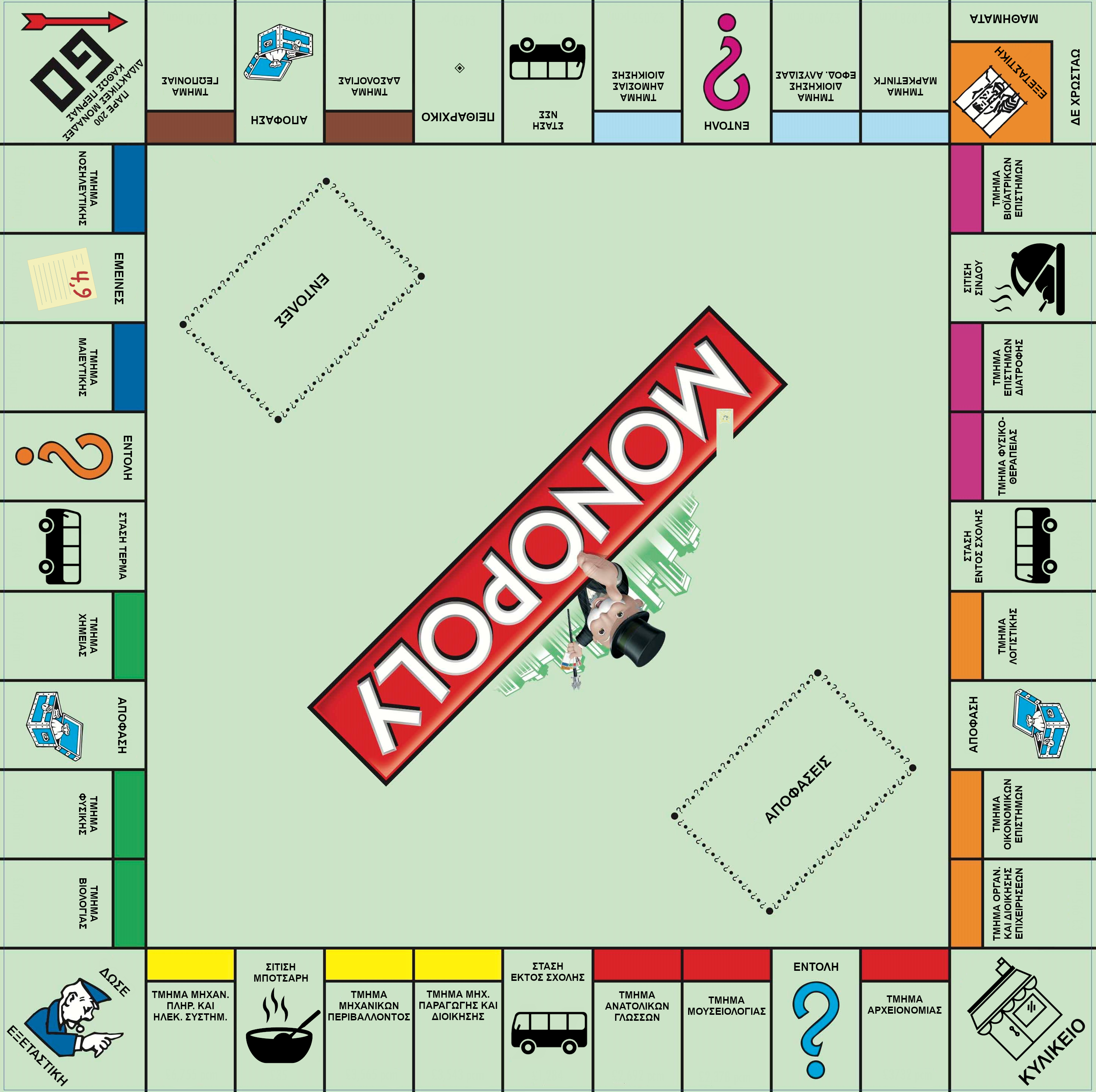
-
MongoDB Community Server (You can do a custom installation and choose only the Server module)
-
NodeJS 10.X (Recommended version: NodeJS 10.18.0 x64)
Navigate to the folder where you want the project to be saved, open a terminal and run the following command
git clone https://gitlab.com/college-resources/monopoliee.gitYou may be asked to login to your GitHub account. This is because the project is owned by a private group.
- Navigate to
monopoliee/Backendand run
npm installIf you get any node-pre-gyp ERR! errors during npm install, make sure you have all bcrypt dependencies installed and run npm install again. Windows users can also download our prebuilt bcrypt package and extract it inside Backend/node_modules. After installing it, run npm install to make sure everything is fine.
-
Open Unity Editor and open the
monopoliee/Unityfolder, as a Unity Project. -
Go to
File -> Build Settingsand select all scenes inScenes to build -
Select
WebGlinPlatformand click theSwitch Platformbutton, if you don't see a Unity icon next toWebGL. -
If
Development Buildis checked, uncheck it. -
Click
Build. (Depending on your setup, building may take ages to complete)
| Endpoint | Method | Parameters | Returns | Description |
|---|---|---|---|---|
/auth/register |
POST | username: String password: String |
Redirect to /auth/session |
Registers new user |
/auth/login |
POST | username: String password: String |
Redirect to /auth/session |
Logs user in |
/auth/session |
GET | none | User Object | Returns current logged in user |
/auth/logout |
GET | none | Success message | Logs current logged in user out |
| Endpoint | Method | Parameters | Returns | Description |
|---|---|---|---|---|
/game/new |
POST | seats: Int | Game Object | Creates a new game with seats number equal to seats and joins it |
/game/join |
POST | game_id: MongoId | Game Object | Joins the game that has _id equal to game_id |
/game/list |
GET | none | Array of Game Objects | Returns the list of games with status waitingForPlayers or running |
/game/current |
GET | none | Game Object | Returns the game that the logged in user is currently playing |
/game/prices |
GET | none | Prices Object | Returns the prices object from config.json |
| Endpoint | Method | Parameters | Returns | Description |
|---|---|---|---|---|
/player/roll-dice |
GET | none | Dice object | Rolls the dice, moves the player and returns the roll |
/player/end-turn |
GET | none | Player Object | Completes the turn of the current user and returns the next player |
| Endpoint | Method | Parameters | Returns | Description |
|---|---|---|---|---|
/transaction/buy-current-property |
GET | none | Property Object | Buys the property that the player is standing on |
- gameIsStarting
- gameLobbyTimer
- gameStarted
- gameEnded
- playerJoined
- playerDisconnected
- playerLeft
- playerRolledDice
- playerMoved
- playerTurnChanged
- playerPlaysAgain
- playerPassedFromGo
- playerGotPaid
- playerPaid
- playerBalanceChanged
- playerSteppedOnChance
- playerSteppedOnCommunityChest
- playerSteppedOnTax
- playerGotJailed
- playerGotFurloughed
- propertyOwnerChanged
- propertyMortgagedChanged