Installing and updating Homer3 with Git or GitHub Desktop
Install Git on your computer. Installation links for all platforms are available here.
-
Open Terminal (MacOS) or Command Prompt (Windows) and navigate to the directory in which you want to install Homer3.
-
Run
git clone https://github.com/BUNPC/Homer3, creating the Homer3 folder in your current directory.
Homer3 can now be run from the newly-created folder!
-
Open Terminal (MacOS) or Command Prompt (Windows) and navigate to Homer3's installation directory.
-
Run
git reset --hard HEAD. This will erase any changes you have made to Homer3's files so be careful! Files you have added to the application such as user functions will not be affected. -
Run
git pull.
Install GitHub Desktop. Installation links for Windows and MacOS are available here.
Select Clone Repository. Use the URL tab to clone the repository. Type in the repo url: https://github.com/BUNPC/Homer3 and select a location to download it to.
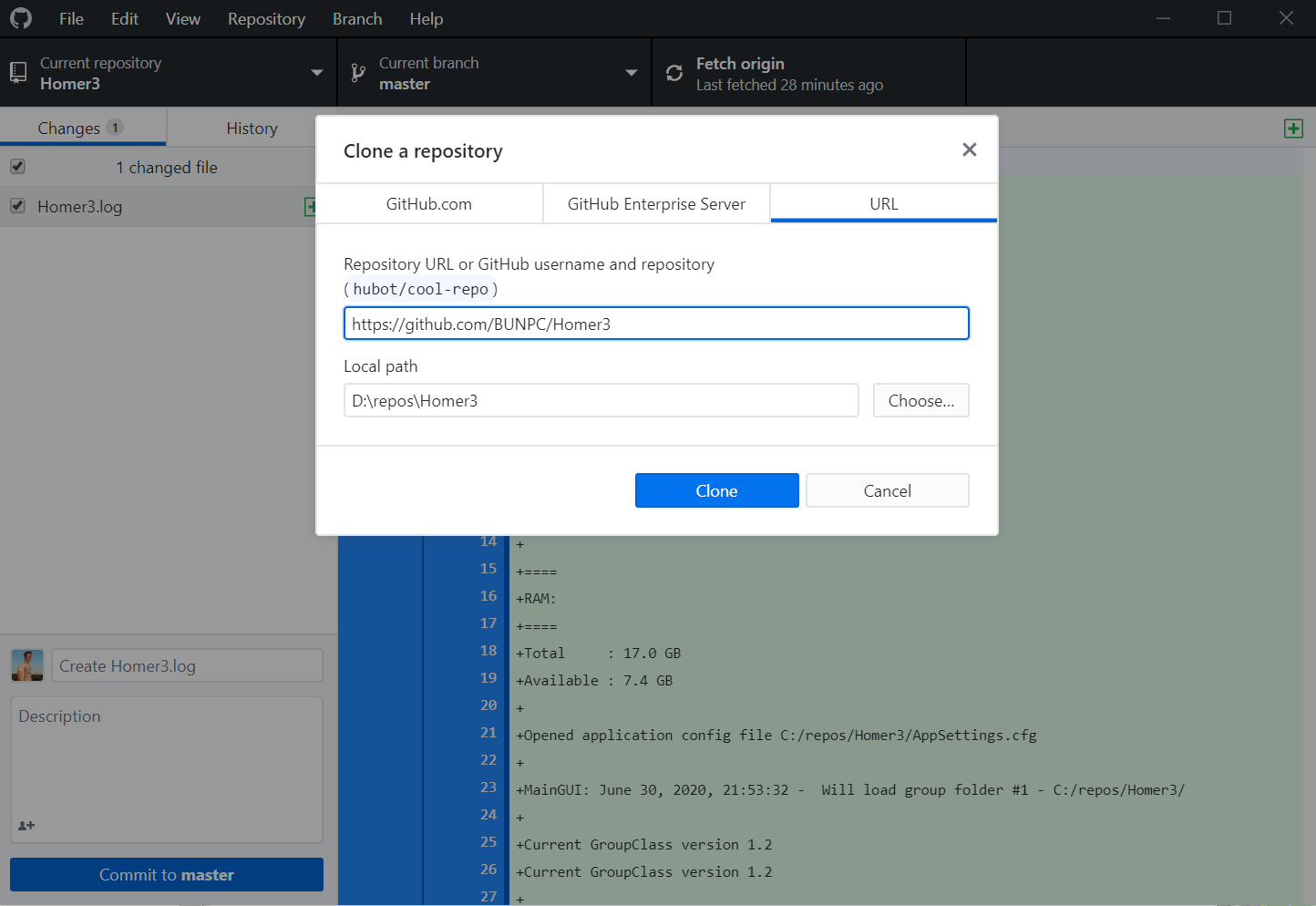
Homer3 can now be run from the newly-created folder!
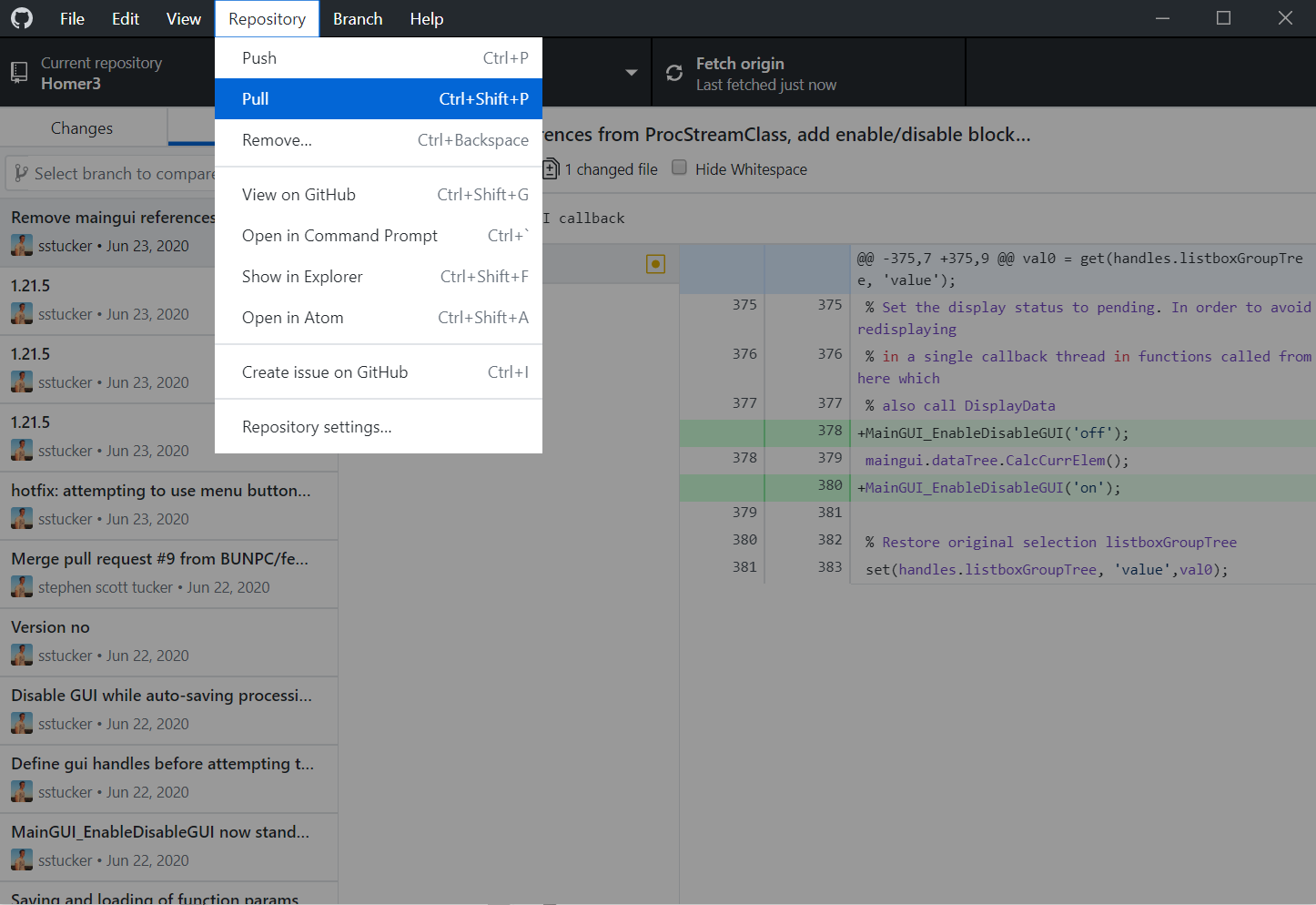
Use the Repository menu to pull the latest version from GitHub.
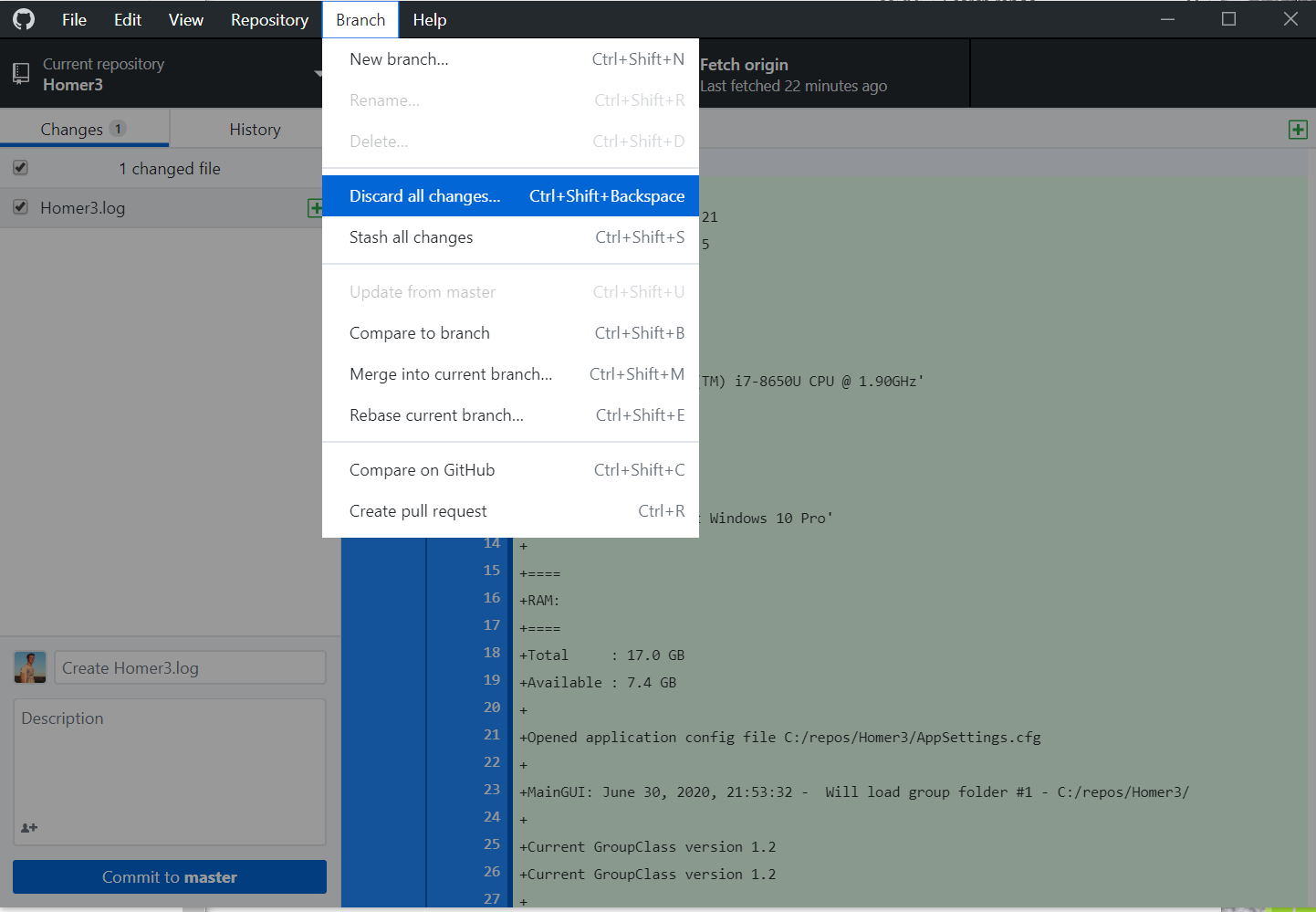
If the pull does not go smoothly, stash or discard all changes you have made to the repository from the Branch menu and try again. WARNING: This will erase any files you have added to the repository such as user functions and config files.